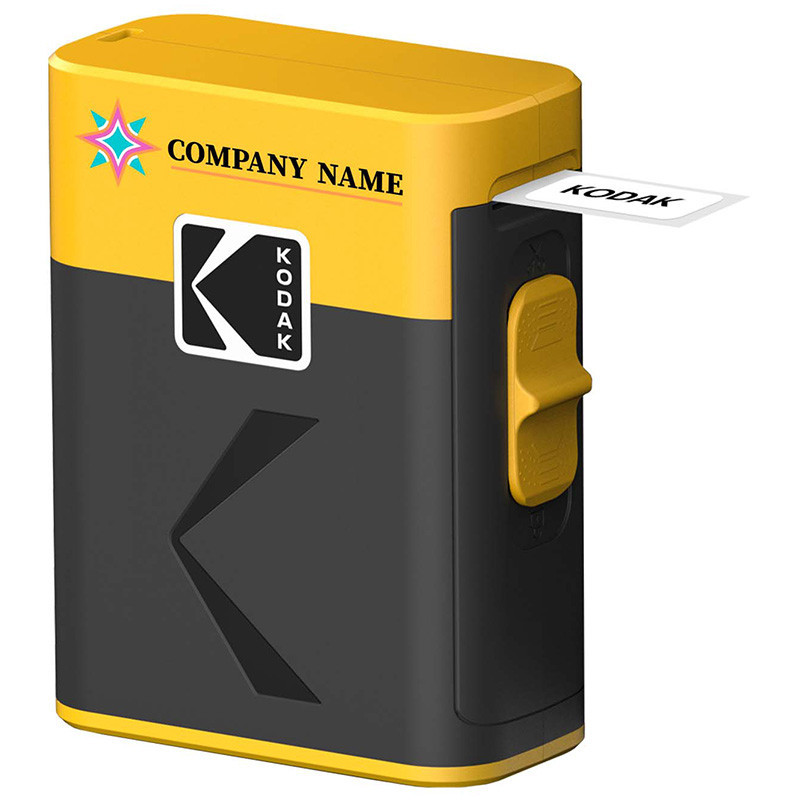


Create the perfect labels with the brand-new Kodak Era Instant Label Printer!
This label printer is ideal for archiving, organising, or even creating a photo album.
Thanks to its compact design, it’s easy to take anywhere, allowing you to print on the go. Its compact design makes it easy to carry, allowing you to print anywhere.
The thermal ink-free technology ensures high-quality monochrome printing with a sharp resolution of 203 dpi. The built-in cutting blade allows you to cut labels safely and precisely.
This label printer charges via an USB-C port. Easily connect the label printer to your smartphone via Bluetooth (iOS/Android) using the Kodak Photo Printer app.
Kodak Label Era can be personalized with full-color printing.
 Orders
Information about placing Orders.
 Additional services
Information about Additional services.
 Payments
Information about payments.
 Deliveries
Information about deliveries.

Download
Specification for Kodak Label Era M50 - multilingual version
Download (37.97KB)Your review appreciation cannot be sent
Report comment
Report sent
Your report cannot be sent
Write your review
Review sent
Your review cannot be sent
Create the perfect labels with the brand-new Kodak Era Instant Label Printer!
This label printer is ideal for archiving, organising, or even creating a photo album.
Thanks to its compact design, it’s easy to take anywhere, allowing you to print on the go. Its compact design makes it easy to carry, allowing you to print anywhere.
The thermal ink-free technology ensures high-quality monochrome printing with a sharp resolution of 203 dpi. The built-in cutting blade allows you to cut labels safely and precisely.
This label printer charges via an USB-C port. Easily connect the label printer to your smartphone via Bluetooth (iOS/Android) using the Kodak Photo Printer app.
Kodak Label Era can be personalized with full-color printing.
check_circle
check_circle